
In recent years, I have been working intensively with generative AI in the field of text-to-speech. I have used the following open source TTS models:
Suno Bark ➡️ Coqui XTTS ➡️ Zonos ➡️ Orpheus 3B ➡️ Chatterbox
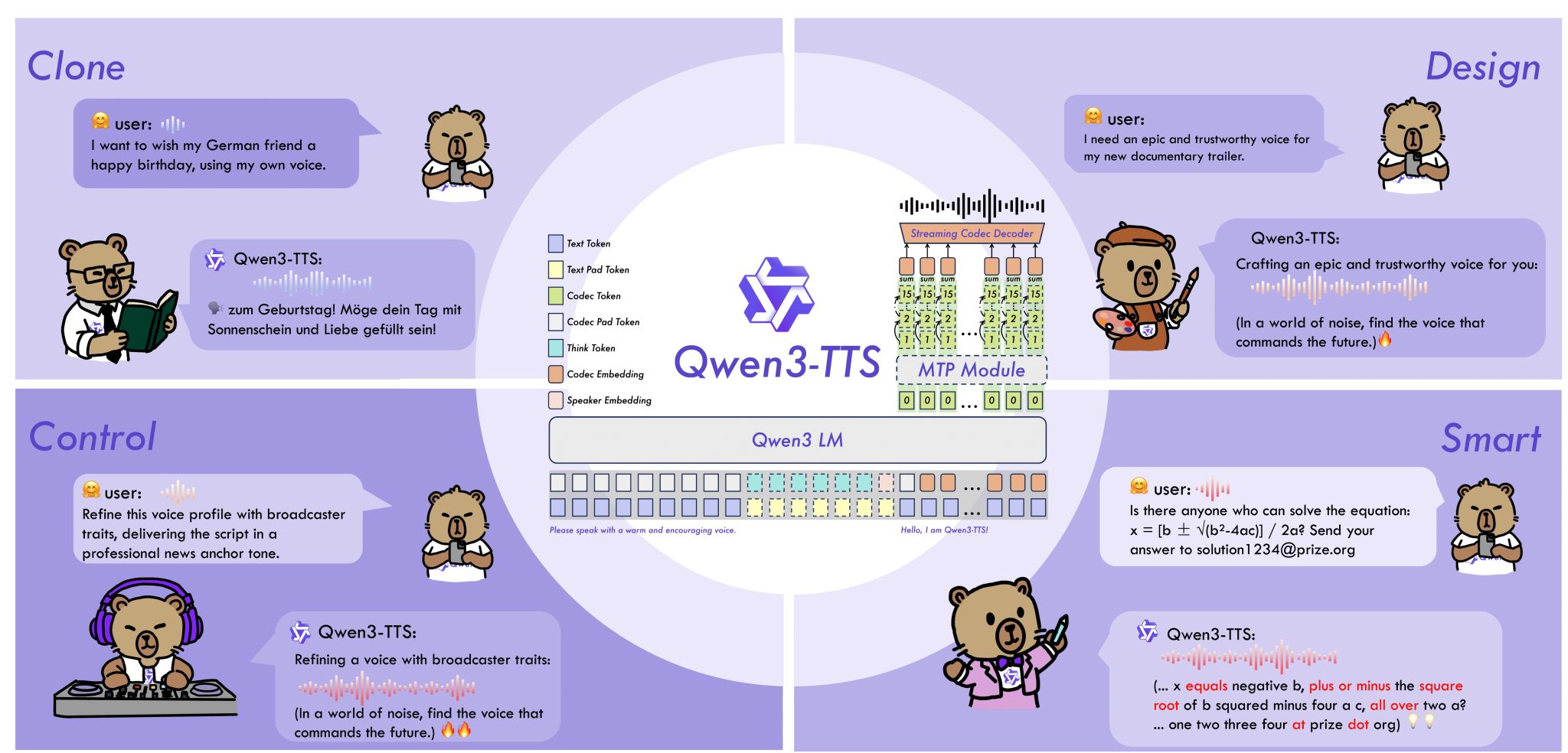
It’s that time again. The next successor in my tech stack has been released. Qwen3-TTS sets new standards in terms of quality and is smaller and faster than the models I used previously. Qwen3-TTS is available as a completely open-source model under Apache License 2.0 and can also be used for commercial purposes.
I tested the 0.6B base model on my MacBook. It took only about 2 minutes to generate the speech for this text. In my tests, Qwen3-TTS proved to be more stable and the voices sound natural.
With this performance, Qwen3-TTS will now replace Chatterbox in my productive workflow. Why? Because it works faster, shows no dropouts with longer texts, and has improved in terms of sound quality.
Using Qwen3-TTS is surprisingly easy. I recommend using Jetbrains Pycharm. This tool makes Python development easier. Create a “Pure Python” project and use “Project venv” and Python version 3.12.
Then start the internal terminal and install the qwen_tts package with the following command:
pip install qwen_tts
Then create a new Python file called main.py and paste the following code into it:
import torch
import soundfile as sf
from qwen_tts import Qwen3TTSModel

model = Qwen3TTSModel.from_pretrained(
    "./qwen3-tts",
    device_map="mps",
    dtype=torch.bfloat16,
    attn_implementation=None,
)

wavs, sr = model.generate_voice_clone(
    text="Neues Text to Speech Modell von Qwen.",
    language="German",
    ref_audio="./female.wav",
    ref_text="Victor jagt zwölf Boxkämpfer quer über den Sylter Deich.",
)

sf.write("output_voice_clone.wav", wavs[0], sr)
I can only recommend that every developer and anyone interested in AI try out the new model for themselves. The quality and speed are truly impressive.