
OpenClaw has established itself in the open source community as the de facto standard for autonomous AI agents. It is a complete framework that combines messaging integrations, workflow automation, and extensive plugin support. However, those who work with OpenClaw are also aware of its drawbacks. It has over 52 modules, 45+ dependencies, consumes more than 1 GB of RAM, and can take several minutes to start up on edge hardware. For many use cases, this is simply too much.
A new wave of alternatives proves that there is another way. The projects I am presenting to you today share a common design philosophy: small and secure. For anyone who wants to run AI agents on embedded systems, edge devices, or simply in a resource-efficient manner, this overview is a must.
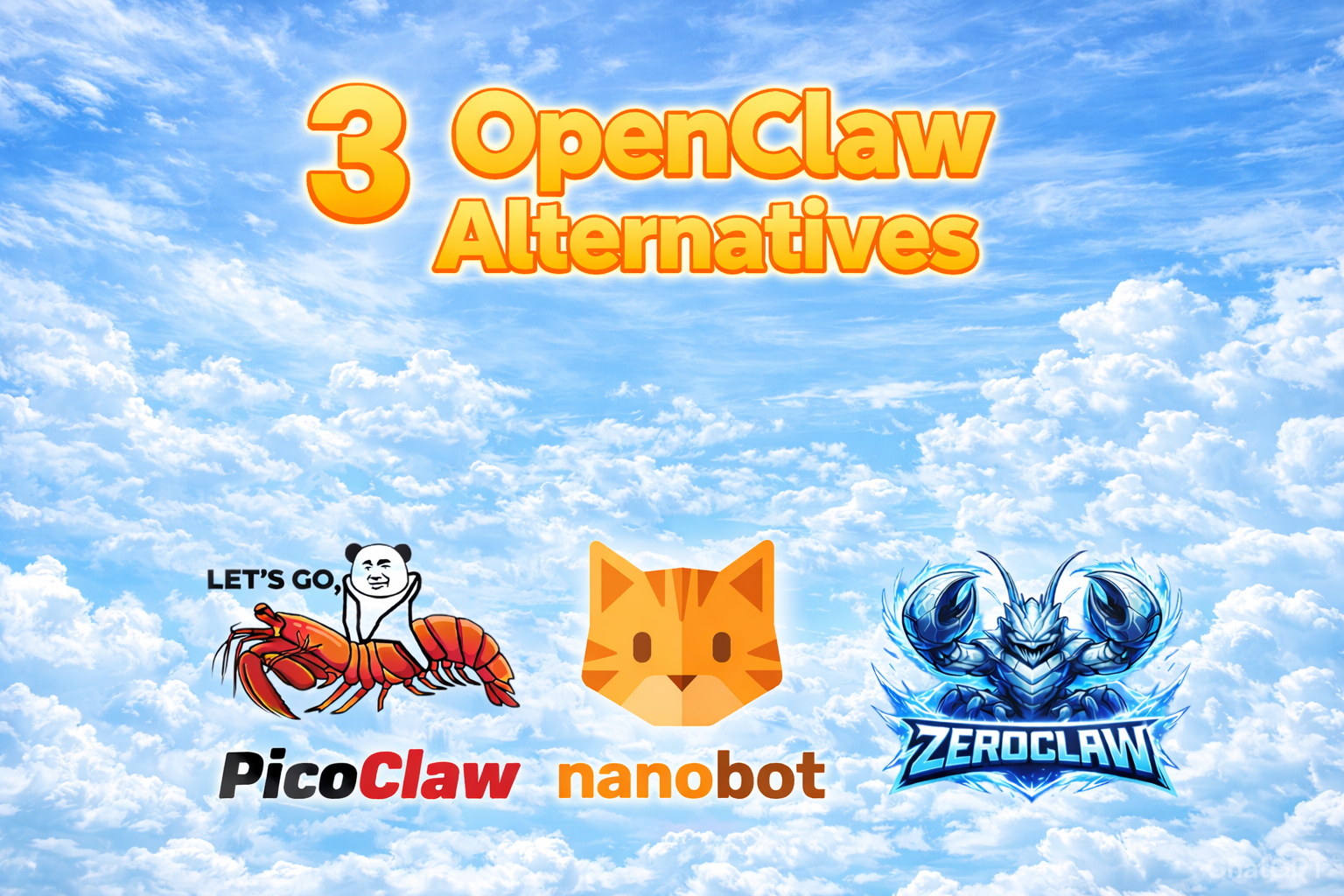
1. PicoClaw
GitHub: sipeed/picoclaw · 18,2k ⭐ · Language: Go
PicoClaw is a Go project that addresses three weaknesses of OpenClaw. It is simple, secure, and fast.
By using the Go programming language, PicoClaw is compiled into a single binary that can be easily downloaded and executed: PicoClaw Releases
In addition, the project is very clear and easy to understand. It is also easy to customize thanks to the individual Markdown files in the workspace:
~/.picoclaw/workspace/
├── sessions/         # Conversation sessions and history
├── memory/           # Long-term memory (MEMORY.md)
├── state/            # Persistent state (last channel, etc.)
├── cron/             # Scheduled jobs database
├── skills/           # Custom skills
├── AGENTS.md         # Agent behavior guide
├── HEARTBEAT.md      # Periodic task prompts (checked every 30 min)
├── IDENTITY.md       # Agent identity
├── SOUL.md           # Agent soul
├── TOOLS.md          # Tool descriptions
└── USER.md           # User preferences
PicoClaw provides security through its sandboxing. By default, it is restricted to its workspace directory and can only read and edit data within this directory.
{
  "agents": {
    "defaults": {
      "workspace": "~/.picoclaw/workspace",
      "restrict_to_workspace": true
    }
  }
}
It also blocks many other threats such as mass deletion, hard drive formatting, system shutdown, etc.
PicoClaw uses less than 10 MB of RAM and starts up in less than a second. It runs as a single binary on x86, ARM64, and RISC-V. By comparison, OpenClaw requires more than 1 GB of RAM and takes over 500 seconds to start on a 0.8 GHz core. PicoClaw does the same in less than a second. This means that PicoClaw also runs on hardware in the sub-$20 range.
PicoClaw supports all common providers and also local AI models via a simple JSON configuration file. I have successfully used it with the GLM 4.7 Flash Model on my MacBook.
2. NanoBot
GitHub: HKUDS/nanobot · 23,4k ⭐ · Language: Python
NanoBot was developed at the Hong Kong University of Data Science, and this is reflected in its architecture. With around 4,000 lines of code, NanoBot provides all the essential building blocks of an agent and is 99% smaller than OpenClaw (430,000 lines of code). The project structure is transparent and easy to understand. NanoBot served as inspiration for ZeroClaw and PicoClaw for their ports.
Installation is done via PyPI (pip install nanobot-ai) and is quick and easy. Nanobot also supports all common providers and local AI models. Like PicoClaw, it is limited to its workspace by default (sandboxing).
Due to its Python programming language, Nanobot is not as lightweight as PicoClaw or ZeroClaw. It requires more than 100 MB of RAM and also has a significantly longer startup time. This means it is not recommended for small or old hardware.
3. ZeroClaw
GitHub: zeroclaw-labs/zeroclaw · 17,2k ⭐ · Language: Rust
ZeroClaw was developed by students at Harvard University and MIT. It is based on the Rust programming language and is comparable to PicoClaw.
It is also installed using a single binary: https://github.com/zeroclaw-labs/zeroclaw/releases ZeroClaw is also restricted to its workspace by default.
By using the Rust programming language, ZeroClaw is extremely economical and fast: 3.4 MB binary, less than 5 MB RAM, starts in under 10 milliseconds.
It asks the user for permission very frequently. This is definitely recommended for security-conscious people. For me, it was too much.
OpenClaw has popularized the idea of local-first autonomous AI agents. What we are seeing now is the second generation: projects that combine this idea with real production requirements.
| PicoClaw | NanoBot | ZeroClaw | |
|---|---|---|---|
| Language | Go | Python | Rust |
| Execution | Single Binary | Python Project | Single Binary |
| RAM | < 10 MB | > 100 MB | < 5 MB |
| Startup | < 1 s | > 30s | < 10 ms |
| Security | Sandbox | Sandbox | Sandbox |
| Stars | 18,2k ⭐ | 23,4k ⭐ | 17,2k ⭐ |
Anyone building AI agents in 2026 will not be able to ignore these projects. The trend toward smaller binaries and more secure execution environments reflects what the market needs: agents that can be truly understood and deployed responsibly.
Personally, I use PicoClaw because it offers me the best combination of simplicity, security, and performance. As an LLM, I use GLM 4.7 Flash via Llama.cpp: GLM 4.7 Flash
Simply download the appropriate binary from the GitHub release: https://github.com/sipeed/picoclaw/releases
And on Mac, remove the quarantine bit:
xattr -d com.apple.quarantine ./picoclaw
Afterwards
- Initialize
picoclaw onboard
- Configure (~/.picoclaw/config.json)
{
  "agents": {
    "defaults": {
      "workspace": "~/.picoclaw/workspace",
      "restrict_to_workspace": true,
      "provider": "openai",
      "model": "glm-4.7-flash",
      "max_tokens": 8192,
      "temperature": 0.7,
      "max_tool_iterations": 20
    }
  },
  "providers": {
    "openai": {
      "api_key": "egal",
      "api_base": "http://localhost:8001/v1"
    }
  },
  "gateway": {
    "host": "0.0.0.0",
    "port": 18790
  },
  "tools": {
    "web": {
      "brave": {
        "enabled": false,
        "api_key": "",
        "max_results": 5
      },
      "duckduckgo": {
        "enabled": true,
        "max_results": 5
      }
    }
  },
  "heartbeat": {
    "enabled": true,
    "interval": 30
  },
  "devices": {
    "enabled": false,
    "monitor_usb": true
  }
}
- Run
picoclaw agent
Tip:
Remove the Summerize skill by deleting the following directory:
~/.picoclaw/workspace/skills/summarize
Synchronize your email inbox to the workspace. This allows PicoClaw to securely access it:
- Download Python Script
https://github.com/rcarmo/imapbackup/blob/master/imapbackup312.py
- Backup your imap Inbox in your PicoClaw workspace
python imapbackup312.py \
  --server imap.example.com:993 \
  --ssl \
  --user your.name@example.com \
  --pass @/path/to/secret.txt \
  --mbox-dir ~/.picoclaw/workspace/mail_backup \
  --folders INBOX,Sent,Archive \
  --yes-overwrite-mboxes \
  --quiet
All three projects are available as open source under the MIT license. Links to the respective GitHub repositories are provided in the text.